
Road Trip Route Animation: Your Drive on an Animated Map
Part of the Creator Studio overview: everything Creator Studio can do for your videos, step by step.
A road trip video needs orientation. Where did the day start, which pass did you take, where did you sleep? A route animation answers that between your clips, and because it follows the real roads, it shows exactly the drive you did, not a straight line across the map.
Want to see how a long road trip looks as an animated map? Our Route 66 map from Chicago to Santa Monica has all 56 stops and opens in TripAnimator with one click.
Step by step
- Choose your vehicle under Travel by: Car, Camper van, Motorhome or Car + caravan. The symbol at the tip of the line changes with it.
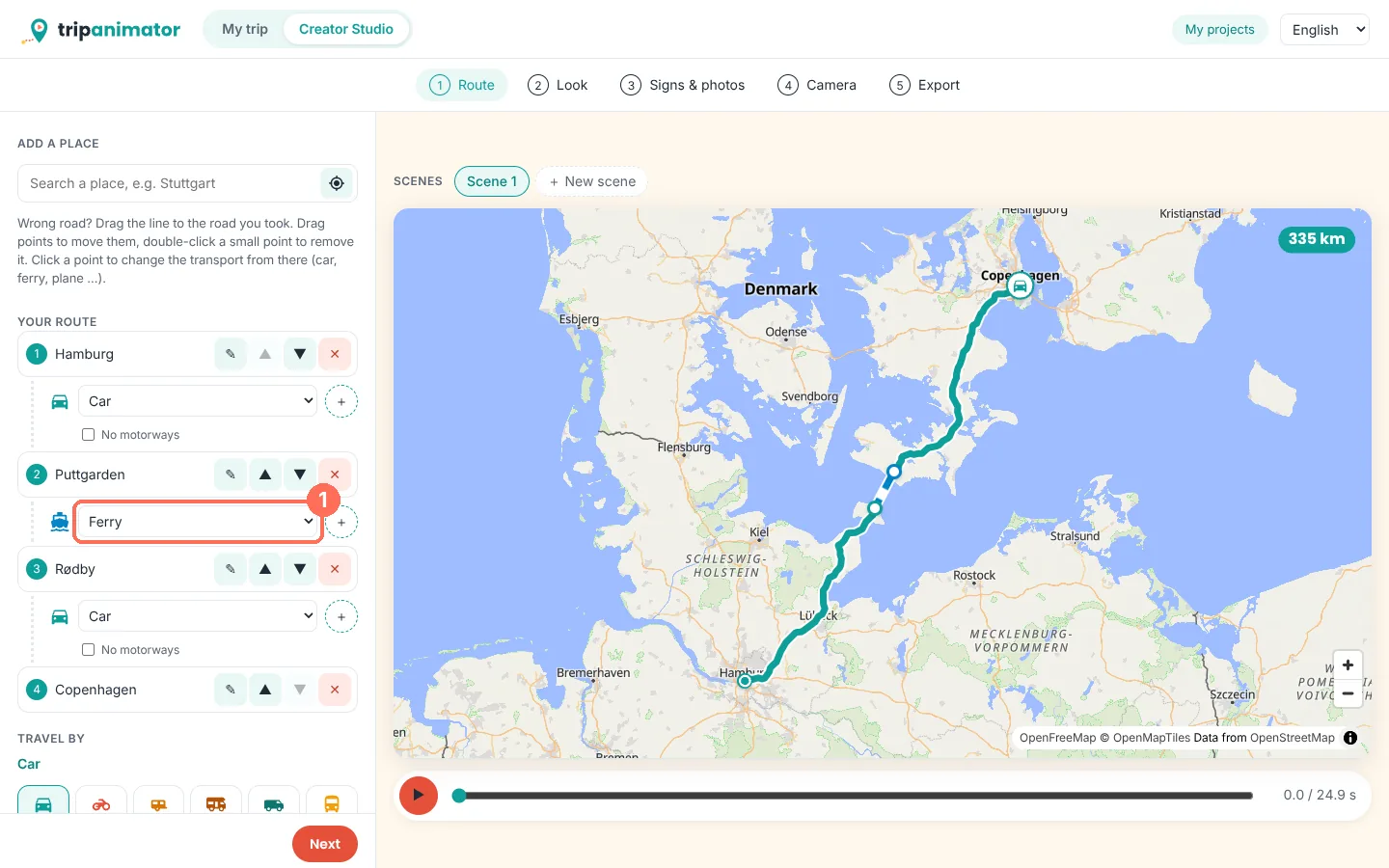
- Search your start and add every stop of the trip in order. Follow roads is on by default.
- Took another road? Drag the line onto the road you drove. Points can be moved, and a small point disappears with a double-click.
- Avoided the motorway? Tick No motorways for that leg.
- Under Signs & photos, click on the map at your overnight stops and add a sign with the place name or a photo.
- Under Camera, Drone flight follows the vehicle from behind, direction of travel up.
Multi-day road trips
For a trip over several days, use one scene per day. Each scene has its own route and you can export them one by one for each episode, or all together for a recap. How scenes work.
The outro shows the kilometres, days and places of the trip, a strong closing shot for any road trip video.
Good map styles for road trips
- Classic or Bright when the place names matter.
- Satellite with 3D mountains for coast roads and passes.
- Old atlas for an adventure look.
Related
- Motorcycle route animation
- GPX route animation: import the track you recorded
- Flight path animation: the flight before the road trip
Try it with your own route
Open Creator Studio, add your places and you see the animation in the live preview right away. Free during the beta, no sign-up. Want to see everything else it can do? Go to travel map animation for YouTube.