
Vacation Video with Map: Your Holiday Photos as a Film
Part of My trip: how My trip turns your phone photos into a video with an animated map.
After a holiday you have hundreds of photos on your phone and nobody looks at them again. A short vacation video with a map tells the whole trip in one minute: the flight there, the places you stayed, your best photos at each stop. With My trip you make it in a few minutes, without any editing program.
How to make your vacation video
- Add your photos: drop your phone photos and short videos into My trip. It reads where and when each photo was taken and groups them into stops. From Google Photos? Add the .json files from Google Takeout too.
- Check your trip: sort the stops, rename them, change a place, choose car, plane or ferry for each leg. A photo without location? Just type where it was taken.
- Get your video: pick a look and an animation style, choose the format and create the video. It is made on your own device, on your computer or your phone.
Tips for a holiday video people actually watch
- Choose fewer photos: two to five per stop is enough. The best ones, not all of them.
- Add short clips: a wave, the street market, the view from the balcony. You choose 2 to 8 seconds per clip.
- Give it a title: “Summer in Portugal 2026” on the title card makes it a keepsake.
- Pick a calm style: Slow travel floats softly with long stops, perfect with music.
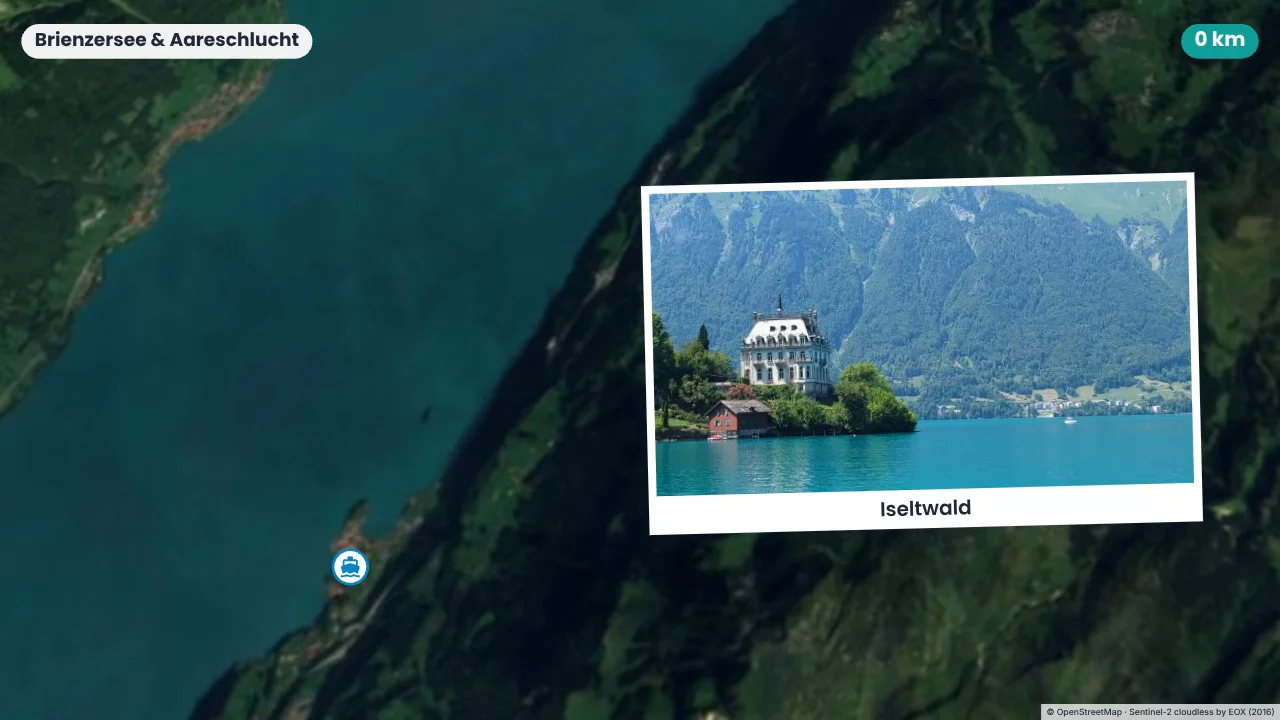
Share it with family and friends
Create the video in 9:16 for WhatsApp status and Instagram stories, or 16:9 for the TV. You can tick a box to get both in one go.
Related
Make your own trip video
Open My trip, drop in your photos and watch your route appear on the map. Free during the beta, no account, your photos stay on your device. Everything about My trip: trip video from your photos.