
Animation Styles: 10 Camera Styles for Travel Map Videos
The animation style decides how the camera moves across your map. TripAnimator has ten of them, plus your own settings. Each example below uses the same route, so you can compare them directly.
| Style | What the camera does | Good for |
|---|---|---|
| Auto director | Picks the best shot for every leg: plane wide, train from the side, car like a drone. | Routes with several ways of travel, when you want a good result without settings. |
| Classic | Top view, north up, calm. | Explainer videos and overviews. |
| Drone flight | Behind the vehicle, tilted, direction of travel up. | Road trips and motorcycle tours, best with 3D mountains. |
| Scout ahead | The camera flies ahead and looks back at the vehicle. | Dramatic intros. |
| Side flight | Glides alongside the route. | Trains and coast roads. |
| Orbit | Circles every stop, normal ride in between. | Highlighting the places you stopped at. |
| World trip | Globe and wide views, zooms in only at the destinations. | Long-haul flights and world trips. |
| Map maker | The whole route stays in view, short zooms at the stops. | Itineraries and multi-day overviews. |
| Social punch | Fast with zoom pulses and short stops. Made for 9:16. | Reels, Shorts and TikTok. |
| Slow travel | Slow, soft and floating, long stops. | Travel films with music. |
Auto director
What it does: Picks the best shot for every leg: plane wide, train from the side, car like a drone. Good for: Routes with several ways of travel, when you want a good result without settings.
Classic
What it does: Top view, north up, calm. Good for: Explainer videos and overviews.
Drone flight
What it does: Behind the vehicle, tilted, direction of travel up. Good for: Road trips and motorcycle tours, best with 3D mountains.
Scout ahead
What it does: The camera flies ahead and looks back at the vehicle. Good for: Dramatic intros.
Side flight
What it does: Glides alongside the route. Good for: Trains and coast roads.
Orbit
What it does: Circles every stop, normal ride in between. Good for: Highlighting the places you stopped at.
World trip
What it does: Globe and wide views, zooms in only at the destinations. Good for: Long-haul flights and world trips.
Map maker
What it does: The whole route stays in view, short zooms at the stops. Good for: Itineraries and multi-day overviews.
Social punch
What it does: Fast with zoom pulses and short stops. Made for 9:16. Good for: Reels, Shorts and TikTok.
Slow travel
What it does: Slow, soft and floating, long stops. Good for: Travel films with music.
The camera in a real trip
The examples above all use the same short route, so you can compare the camera styles. In a real trip the camera changes with every way of travel: wide over the ocean on the plane, close on the road, with your photos at every stop. This is Auto director on a flight from Frankfurt to Orlando and a drive up the Florida coast.
Camera and length for every leg
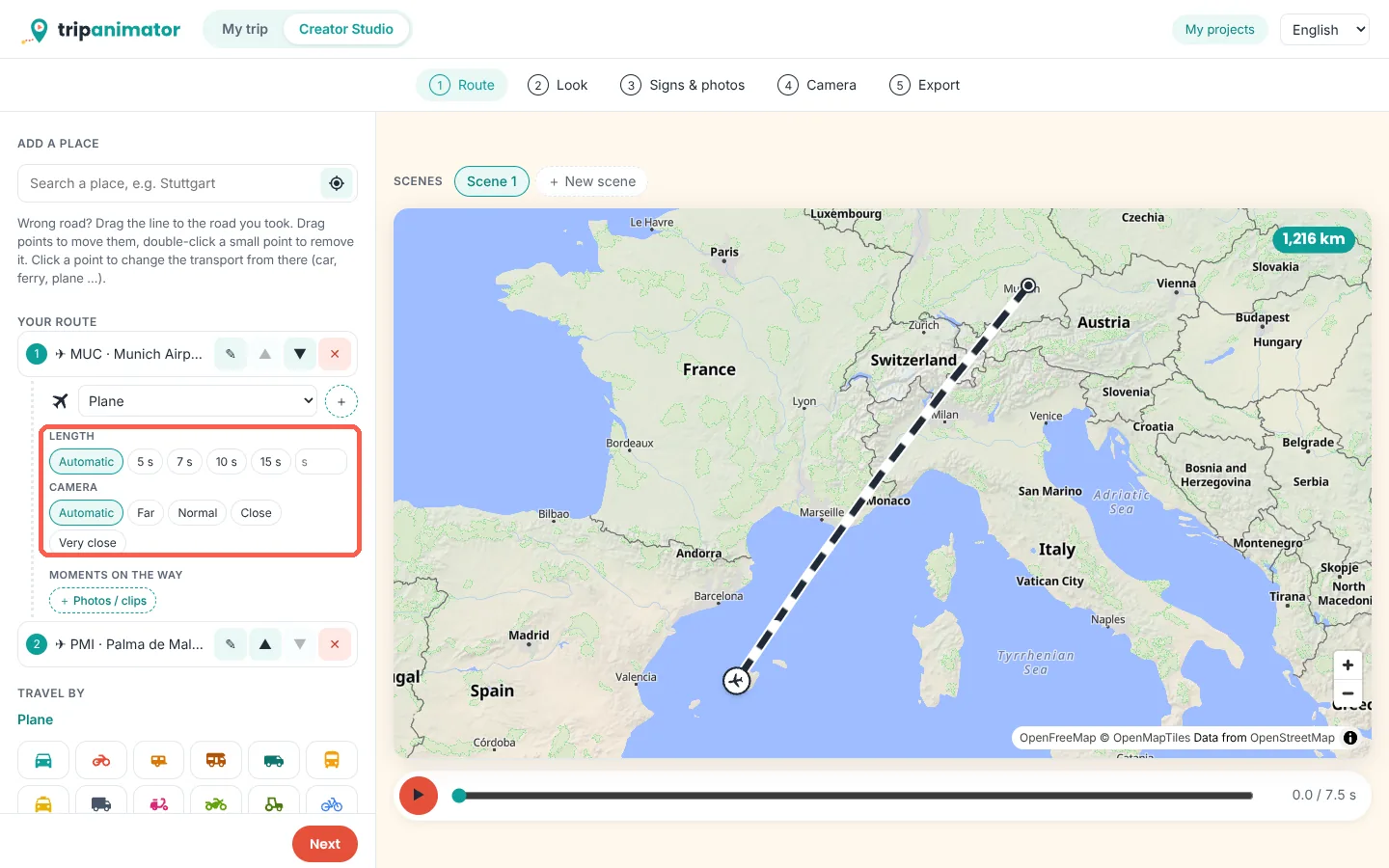
Every style can be adjusted per leg. Under each stop in the route list you set how long the leg takes in the video (Automatic, 5, 7, 10 or 15 seconds, or your own value) and how close the camera gets (Far, Normal, Close or Very close). A ten-hour flight stays short, a mountain pass gets the time it deserves. Help: length and camera for every leg
Moments on the way
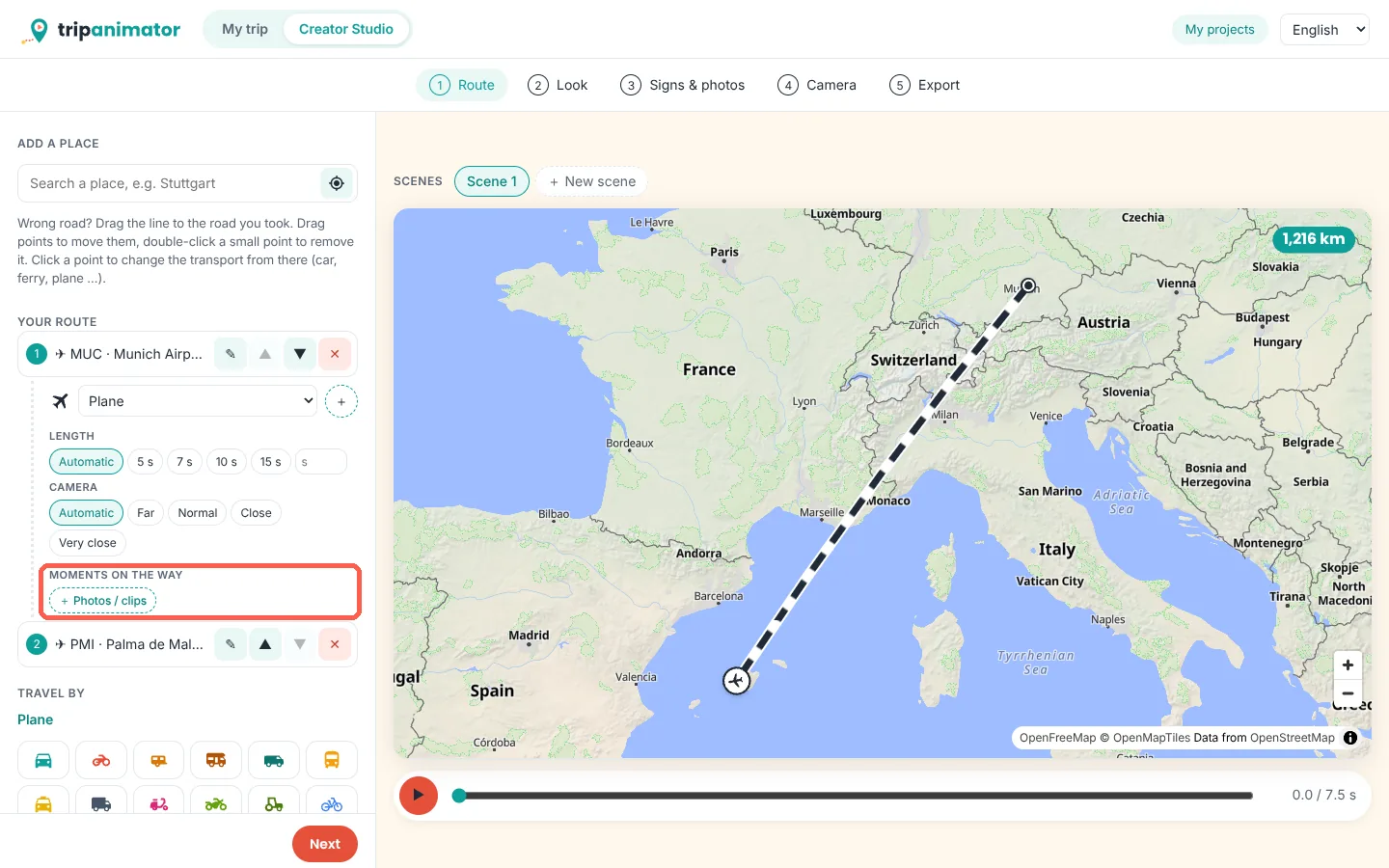
Photos and short clips can pop up next to the moving vehicle while the camera keeps flying, for example the view from the ferry or a quick stop at a viewpoint. Help: moments on the way
Music and sounds
A camera style feels different with the right music. Pick one of 17 free public domain songs in six moods, add a pop or camera click at every stop and the sound of the plane, car or ship while travelling. Social punch works well with Rock, Slow travel with Chill. Free music · Sounds
Fine-tune or set the camera yourself
Every style can be fine-tuned: zoom, extra tilt, start and end on the whole route and camera steadiness. With Own settings you set follow mode, camera style, which way is up and look ahead yourself. Help: own camera settings · Creator Studio