
Moments on the way: photos and clips during the ride
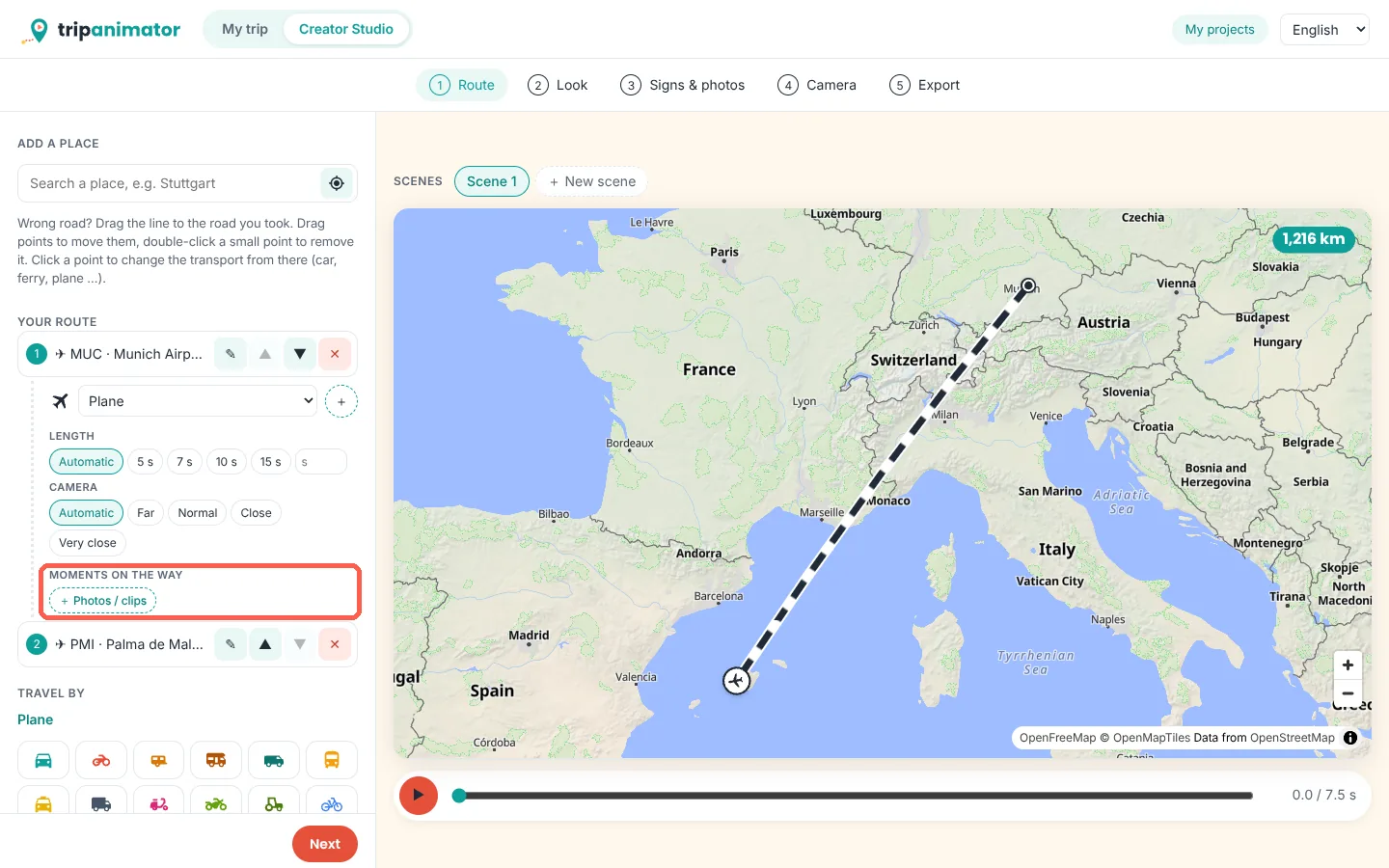
Not every great moment happens at a stop. With Moments on the way you add photos and short clips to a leg. They pop up next to the moving vehicle while the route draws, and the ride goes on.
Step by step
- In the route list, open the leg under the stop where it starts.
- Under Moments on the way, click Photos / clips.
- Choose the photos or short videos from your device.
- Play the preview.
Good to know
- Good for views from the car window, the ferry crossing or a quick stop at a viewpoint.
- Photos at a stop pause the ride, moments on the way do not. For stops see Signs and photos.
- Your photos and clips stay on your device.
Related help
Try it in the appFree, no sign-up. Your photos stay on your device.
Open the app