
Look and animation (My trip)
Step 2 of My trip decides how your video looks: the animation style of the camera, the map, the line and the extras like title card and trip in numbers.
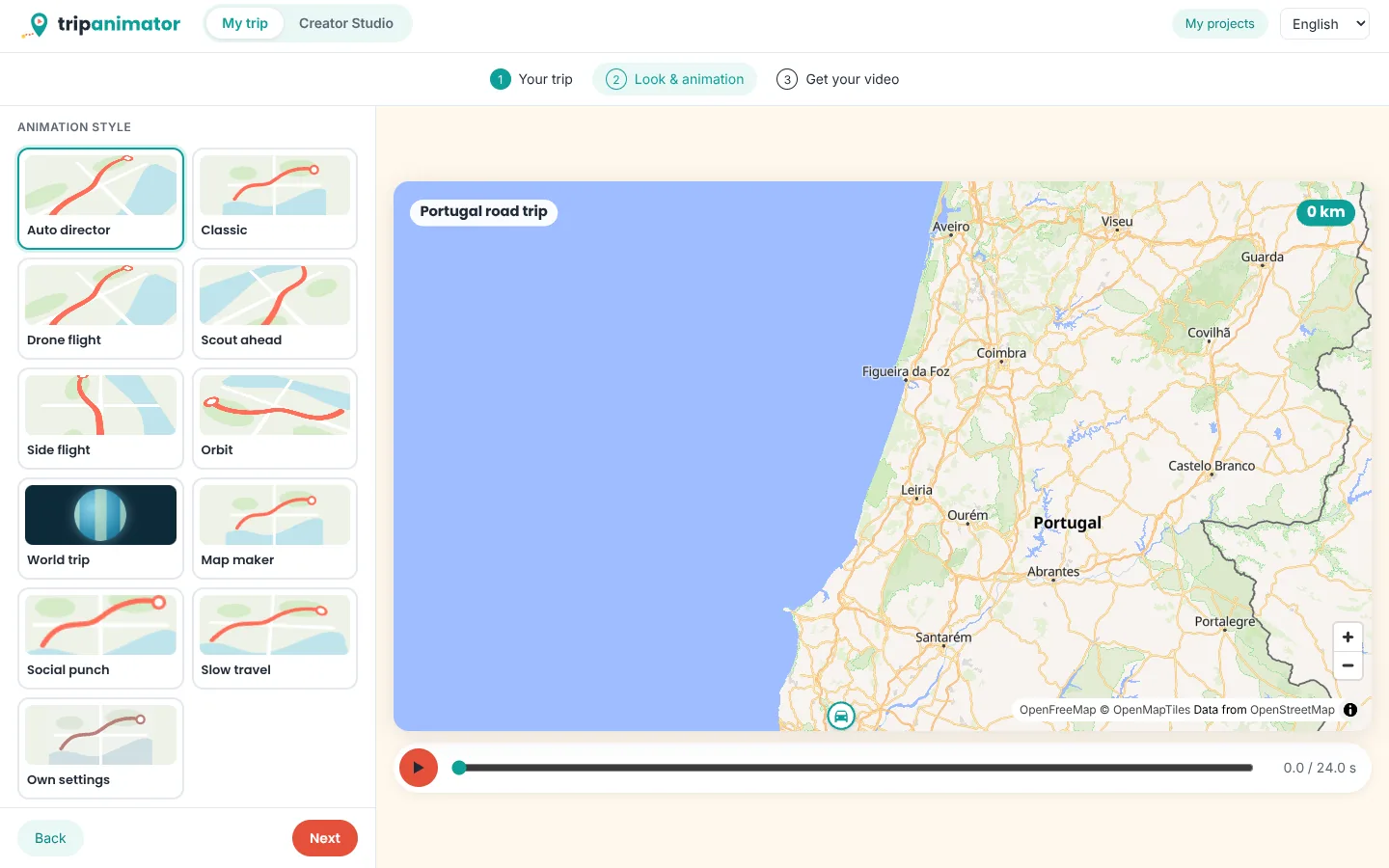
Step by step
- Pick an animation style. Auto director chooses the best shot for each leg on its own.
- Choose a map style, for example Classic, Satellite or Pastel, and switch on 3D mountains if you like.
- Set colour and width of the line and the symbol at its tip.
- Under Extras, choose title card, distance counter, day label and trip in numbers.
Related help
Try it in the appFree, no sign-up. Your photos stay on your device.
Open the app