
Export: formats, resolution, frame rate
In the Export step you decide format and quality and create the video. It is made on your device and saved as MP4.
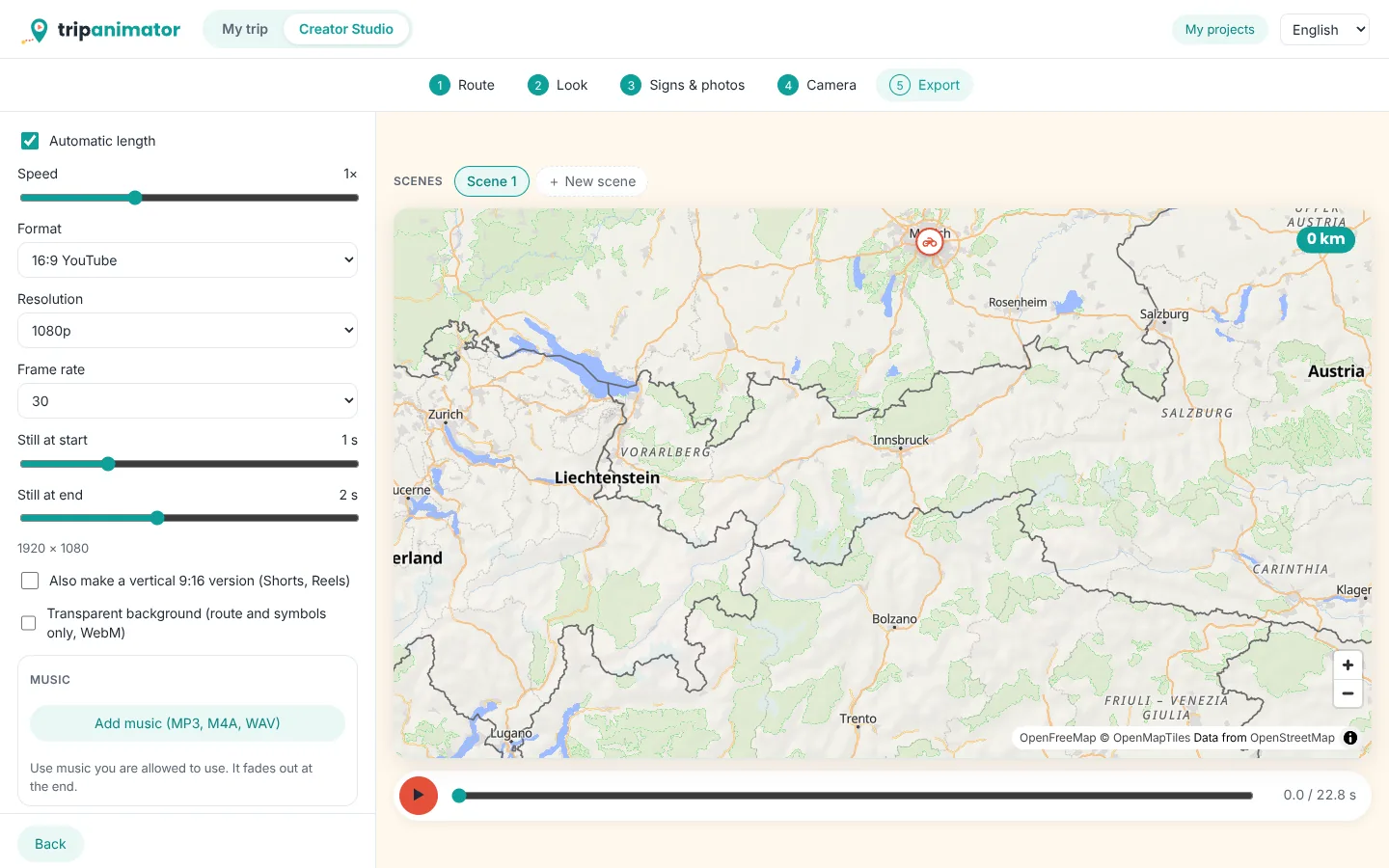
Step by step
- Choose format, resolution and frame rate.
- Optionally tick the vertical 9:16 version.
- Click Create video and keep the tab open.
| Setting | Options |
|---|---|
| Automatic length / Speed | Length set automatically, or faster and slower with Speed |
| Format | 16:9 YouTube, 9:16 Shorts/Reels/TikTok, 1:1, 4:5 Instagram, 4:3, 21:9 Cinema |
| Resolution | 720p, 1080p, 2K, 4K |
| Frame rate | 24, 25, 30, 60 |
| Still at start / Still at end | How long the first and last frame stay |
| Music | MP3, M4A or WAV, fades out at the end |
Related help
Try it in the appFree, no sign-up. Your photos stay on your device.
Open the app