
Projects and project files
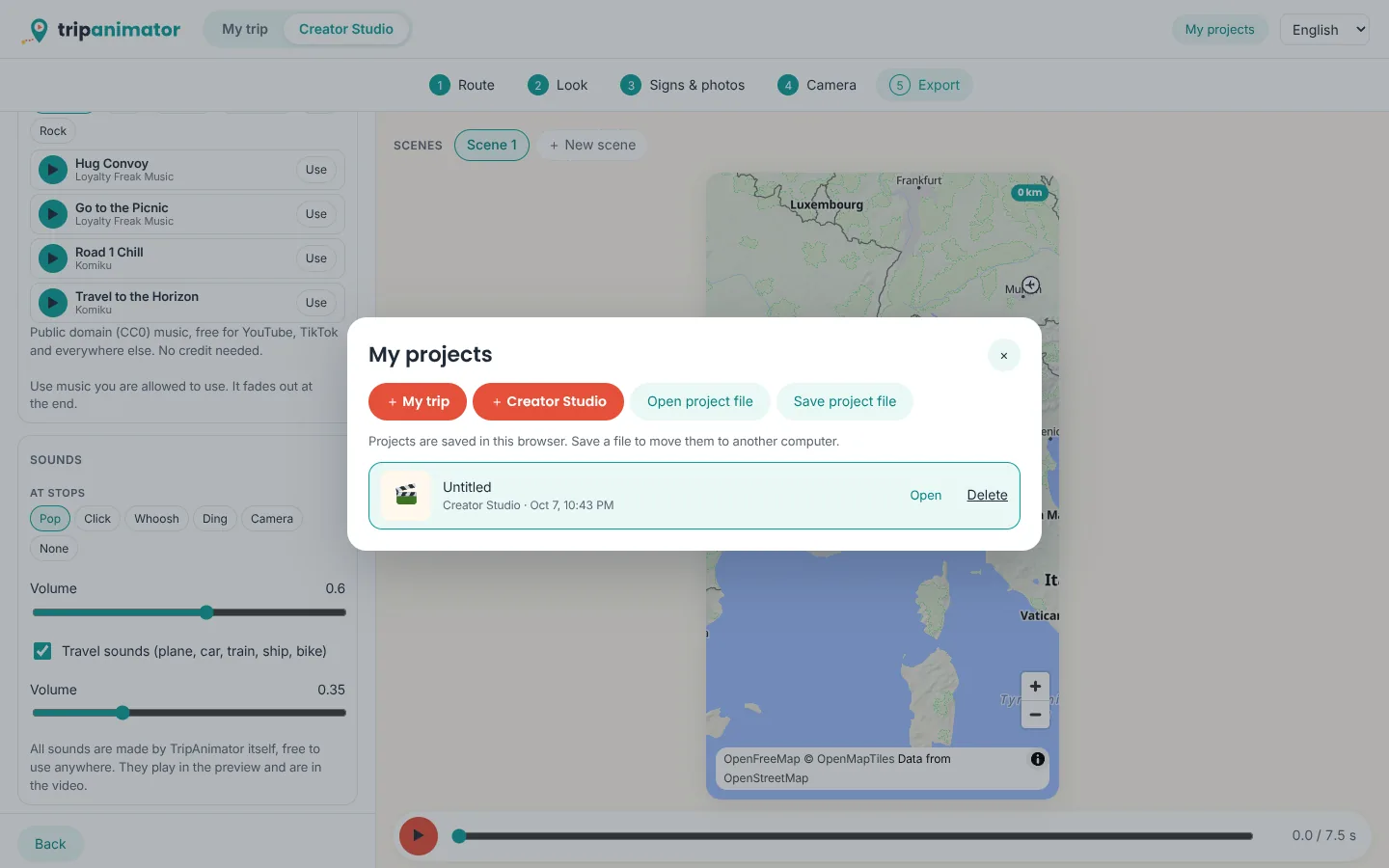
Your projects are saved automatically in your browser. Under My projects you see all of them, start a new My trip or Creator Studio project, and save or open a project file.
Step by step
- Click My projects at the top right.
- To continue on another computer, click Save project file. You get a file ending in .tripanimator.
- On the other computer, open My projects and click Open project file.
Good to know
- Projects live in this browser on this device. Clearing the browser data deletes them, so save a project file for anything important.
- Photos are not uploaded anywhere. Keep your original photos, they are needed again when you open the project elsewhere.
- Installed TripAnimator on your iPhone? The app does not see projects from Safari. Move them with a project file. Install on your phone
Related help
Try it in the appFree, no sign-up. Your photos stay on your device.
Open the app