
Getting started with TripAnimator
TripAnimator turns a trip into an animated map video, right in your browser. There are two ways in: My trip makes a finished video from your phone photos, Creator Studio gives you full control over route, look and camera for your own videos.
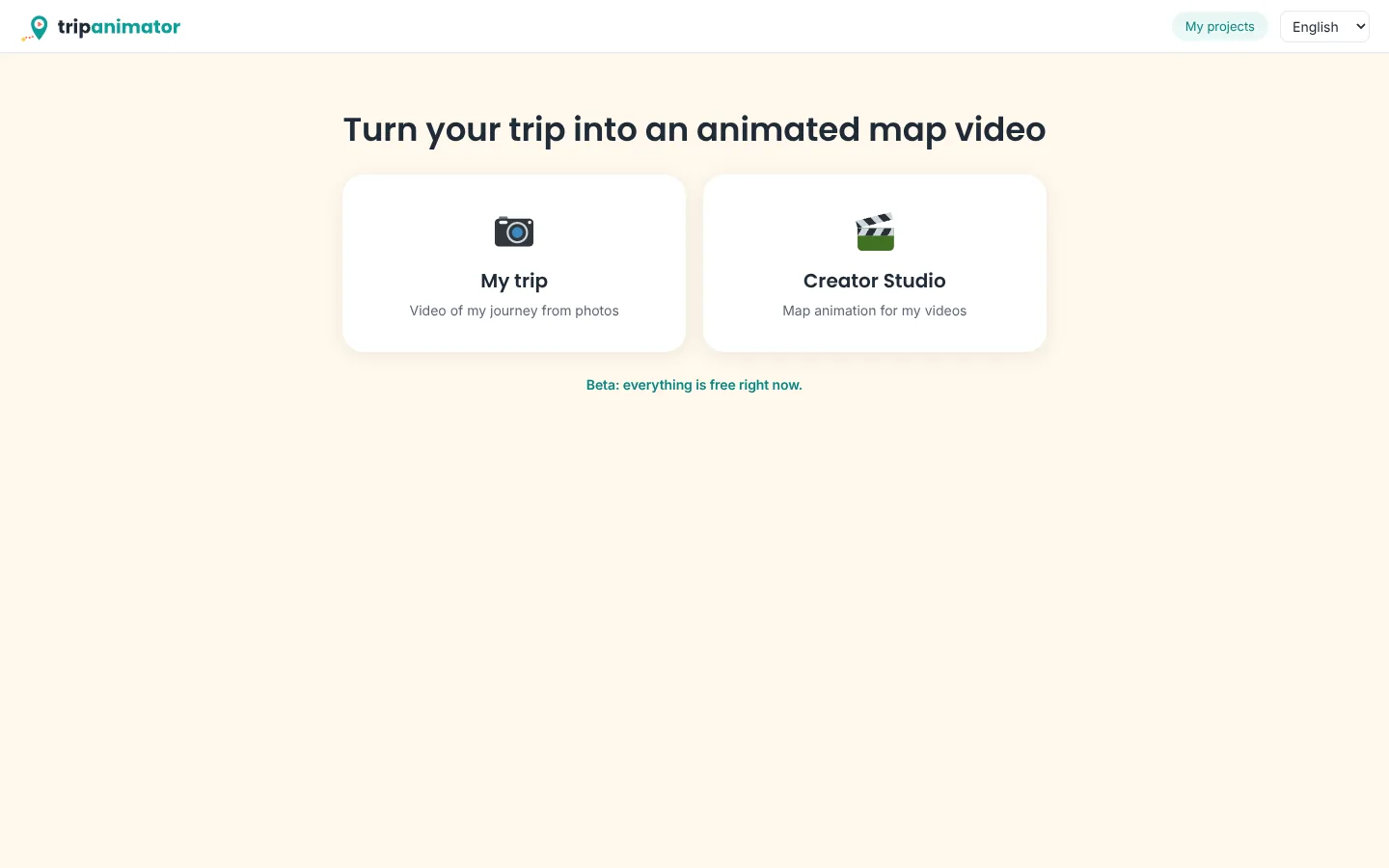
Which one is right for you?
| My trip | Creator Studio | |
|---|---|---|
| Made for | Everyone who travelled and wants a memory video | YouTubers, TikTokers, video makers |
| You start with | Your photos and short clips | Clicking your places on the map, or a GPX file |
| Steps | 3: Your trip, Look & animation, Get your video | 5: Route, Look, Signs & photos, Camera, Export |
| Result | A finished video with photos, title and trip in numbers | A map animation for your own edit or as a clip |
Your first video in 5 minutes
- Open the app and choose My trip or Creator Studio.
- Add your places or your photos.
- Click Next through the steps and watch the live preview.
- In the last step, click Create video. The video is saved as MP4.
Good to know
- No account and no sign-up needed.
- Free during the beta, without a logo in your video.
- Your photos never leave your device.
- Works on computer and phone, a current Chrome or Edge works best.
Related help
Try it in the appFree, no sign-up. Your photos stay on your device.
Open the app