
Add signs and photos
Signs tell your viewers what happened where. The animation pauses at each sign.
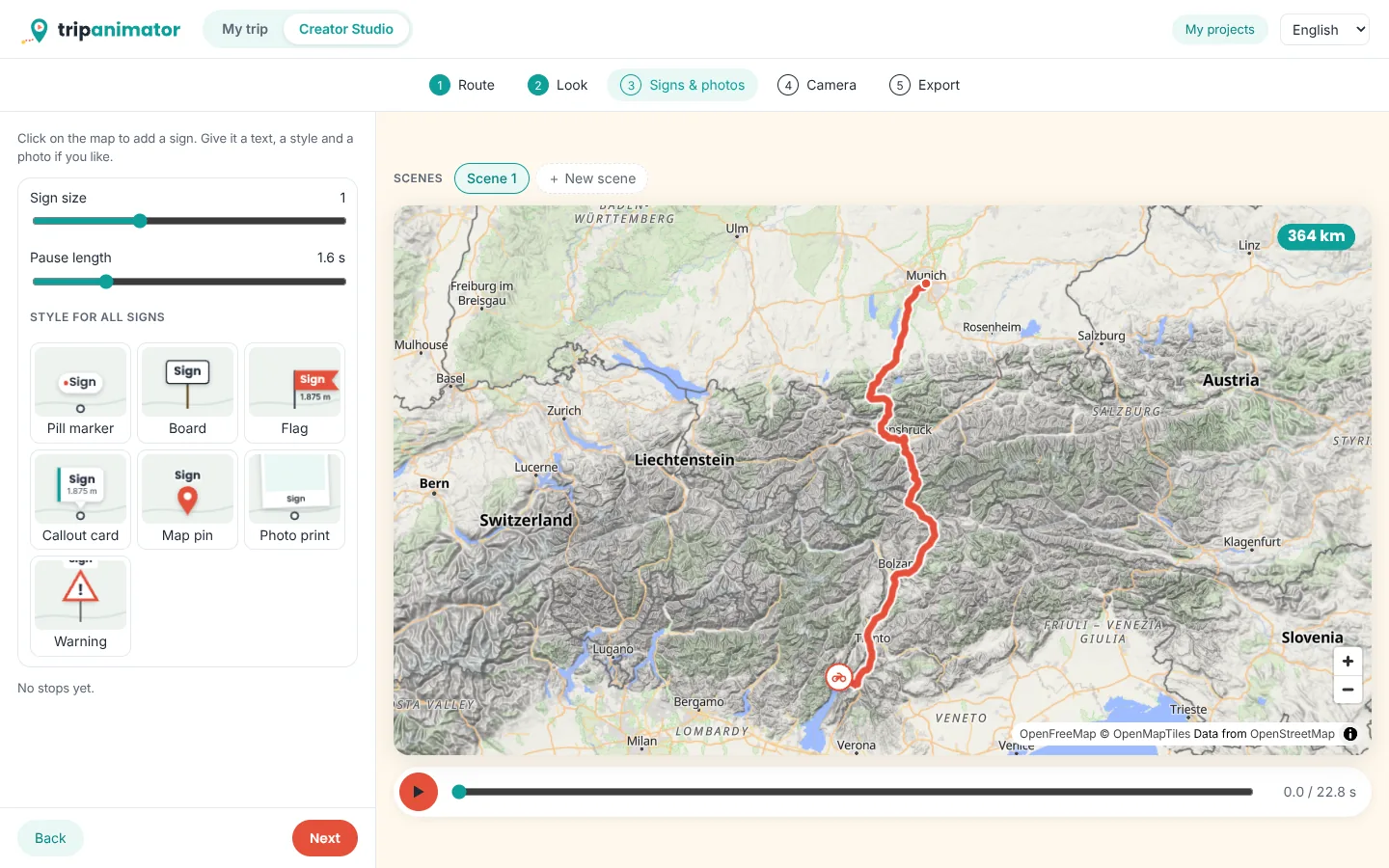
Step by step
- Go to Signs & photos.
- Click on the map where the sign should be.
- Type the text, choose a style and add a photo if you like.
- Set Sign size and Pause length for all signs.
Related help
Try it in the appFree, no sign-up. Your photos stay on your device.
Open the app