
Check your trip: stops and ways of travel
Before you create the video, check the list of stops. Here you fix the order, the places and the way of travel.
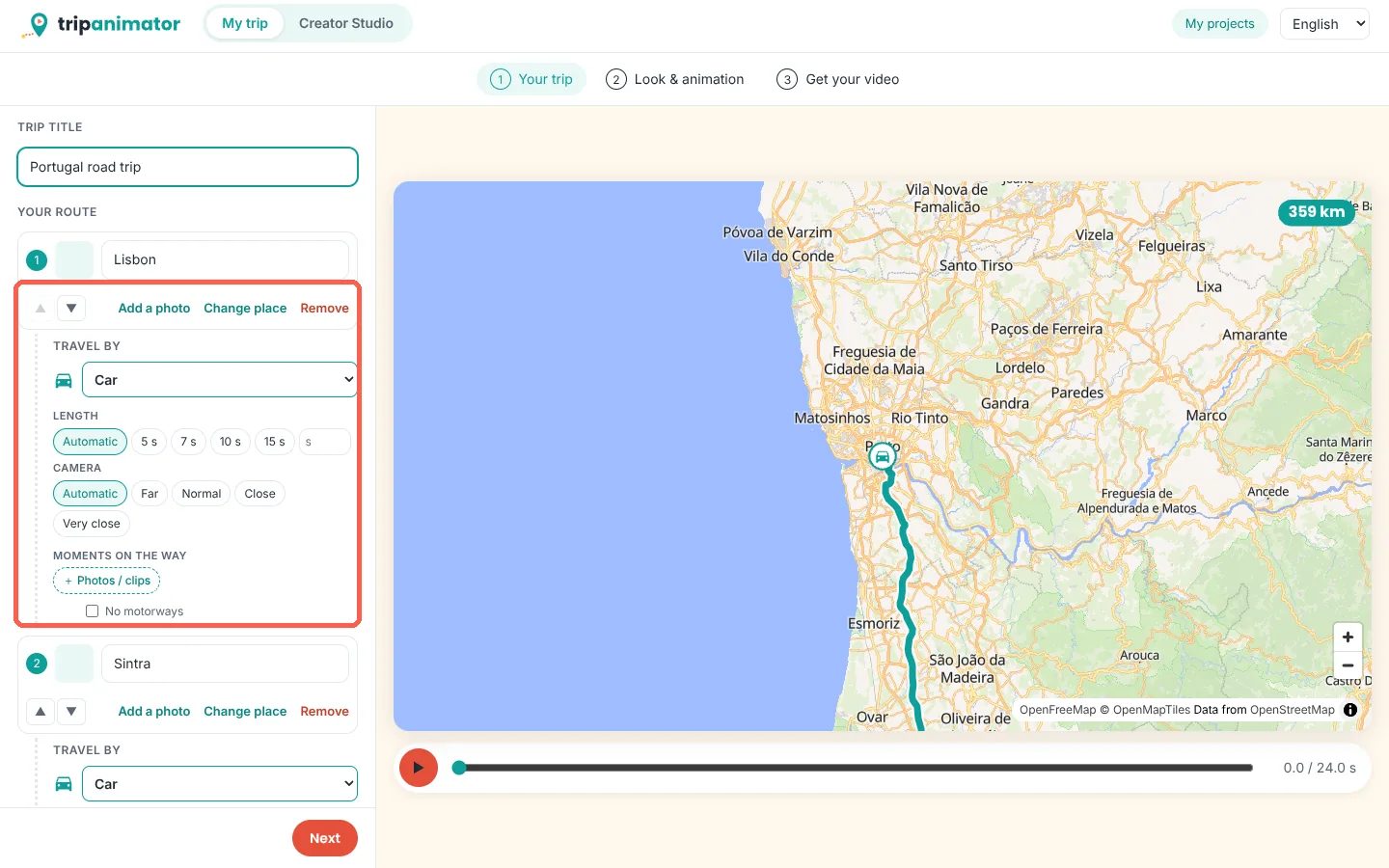
Step by step
- Use the arrows to move a stop up or down.
- Click Change place if a stop is in the wrong place, or Remove to delete it.
- Under each stop, choose the way of travel to the next stop: car, plane, ferry, train, bike and many more.
- Tick No motorways for a leg where you took the country roads.
- On the map, drag the line onto the road you took if it shows a different one.
Related help
Try it in the appFree, no sign-up. Your photos stay on your device.
Open the app